Getting money in
Depositing is moving money from outside into the exchange. Two things go wrong here, and both are irreversible: the network and the amount.
You will deposit a test amount and watch it show up in the balance.
Renato UlianovNarration over the screen
The balance, and the button that fills it
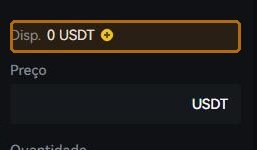
On the trading screen, Available shows how much you can spend on that pair, with a ⊕ beside it: the shortcut to depositing. The same place appears in the assets menu, with the list of every coin.
Buy with cash, or transfer crypto
There are two ways money comes in. With ordinary currency — card, bank transfer or person-to-person trading — you buy crypto and it lands in the account. Transferring crypto you already own, from another exchange or a wallet, you generate an address here and send to it.
The first door has its cost baked into the price; the second has a network fee. Neither is free, and the screen shows the cost before you confirm — read it before, not after.
The network has to match on both sides
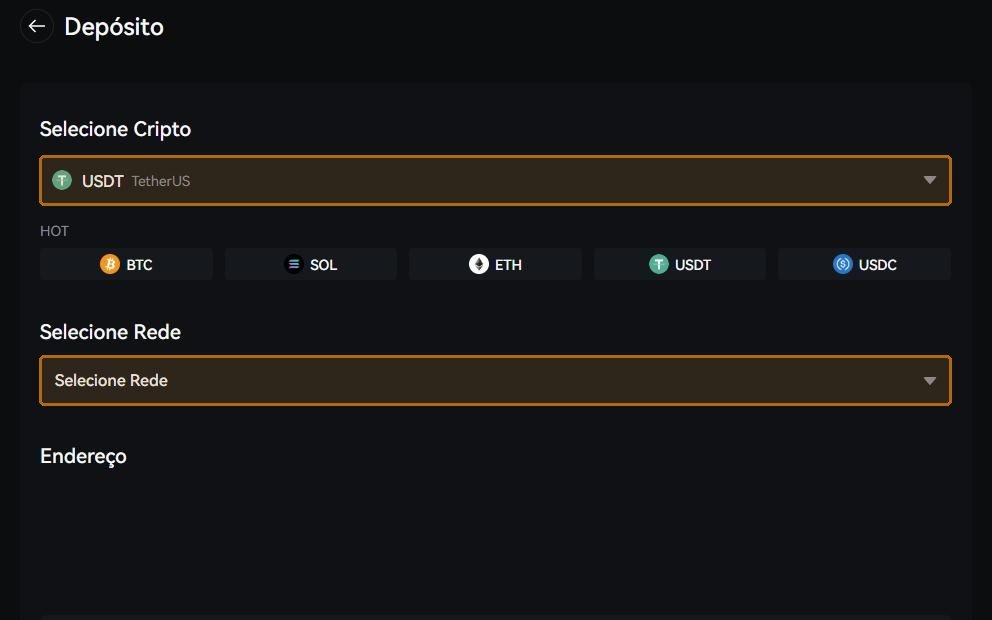
The same coin travels on different networks, and the address sometimes looks identical. If you send over network A to an address the exchange opened on network B, it does not arrive on its own: at best it becomes a recovery ticket, slow and sometimes paid; at worst it is gone.
That is why the order on the screen is always the same: pick the coin, pick the network, and only then copy the address. And check that the network chosen on the sending side is the same word, letter by letter.
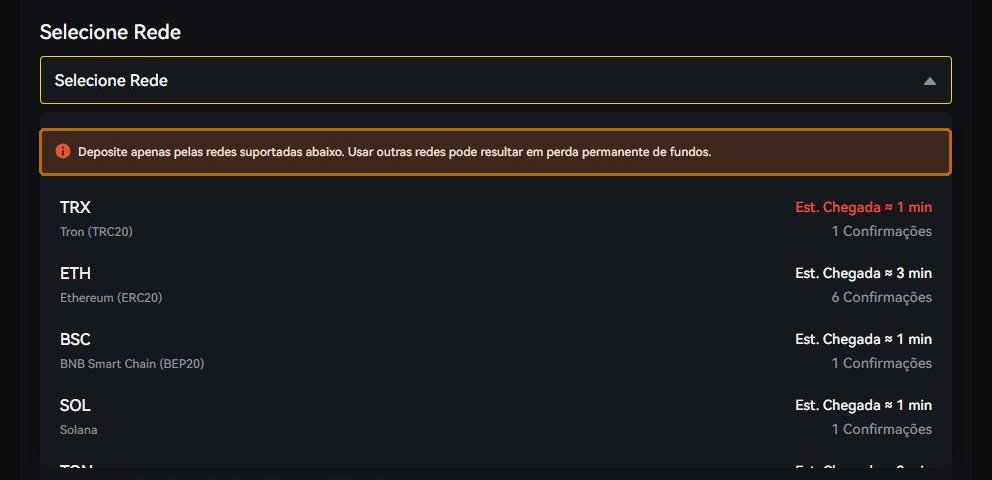
The network list carries two things worth reading: the estimated arrival time and the number of confirmations the exchange waits for before releasing the funds. That is why a deposit can take a minute on one network and several on another.
Send the minimum, watch it land, send the rest
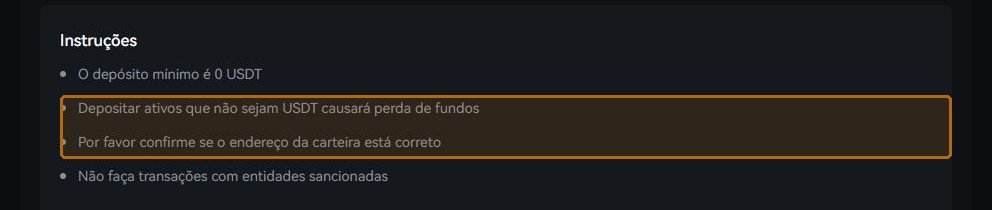
There is no undo. The only defence that works is the test transfer: send the smallest amount the screen accepts, wait for it in the balance, and only then send the rest.
Yes, you pay two network fees instead of one. It is the cheapest insurance on the market.
Different networks on each side. The number one reason crypto goes missing.
A half-pasted address. Always use the copy button, and check the last four characters.
Depositing before verification. Money goes in and cannot come out. Finish lesson 02 first.
- Test deposit done and visible in the balance.
- The same network was used on both sides.
- I know what it cost to get in — the fee appeared before I confirmed.
Every screen on the exchange has Customer Support in the footer, and the Help Centre has self-service for the three things that most often get stuck: resetting the password, finishing verification and re-doing the two-step app. If none of that solves it, the written channel is cs@bydfi.com. Do not guess: a ticket costs ten minutes, a guess can cost the account.